One design system for a platform that runs on maps and APIs
Leading design at a geospatial analytics platform — rebuilding its design system and designing for analysts who work with millions of rows.
Context
CARTO is a cloud-native platform for spatial analysis. Everything in it — maps, tables, analyses — is loaded through API calls against the customer’s data warehouse. Its users are data analysts, developers and business teams, often in the same company, with very different tolerance for complexity.
When I joined, the interface had grown faster than its foundations: more than 200 components, many solving the same problem in slightly different ways.
Rebuilding the system
I led the design system rebuild, from 200+ components to 45 core ones, and set up the structure to keep it healthy:
- A Design System Council with design, engineering and product, so decisions were shared rather than imposed.
- A component lifecycle — proposal, validation, deprecation — so the library could change without breaking teams.
- Documentation and usage guides written for designers and developers alike.
Adoption reached 83% across product, professional services and marketing, new features shipped twice as fast, and interface inconsistencies dropped by 60%.
Designing for data people
Direct work on the product kept the system honest. Two examples:
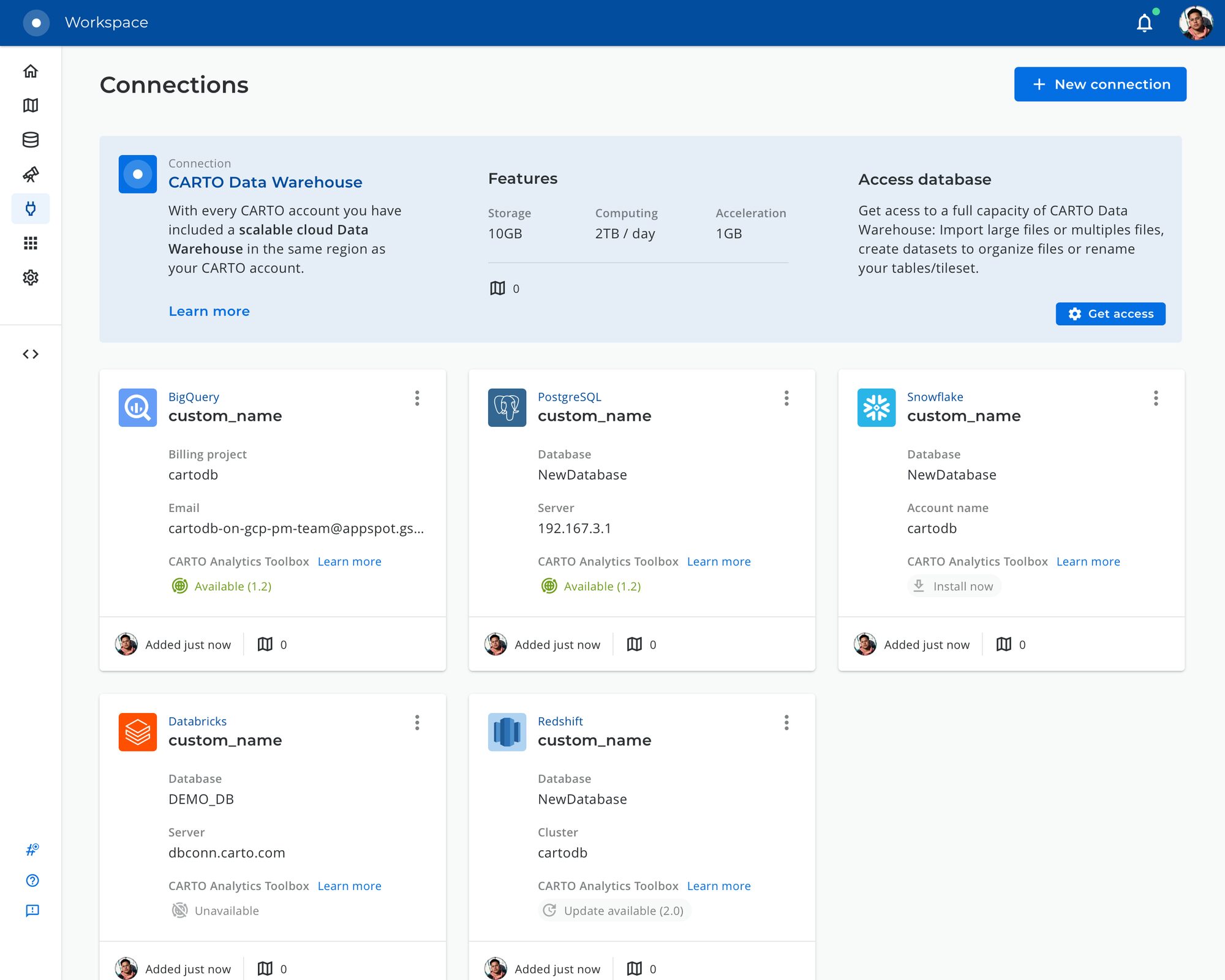
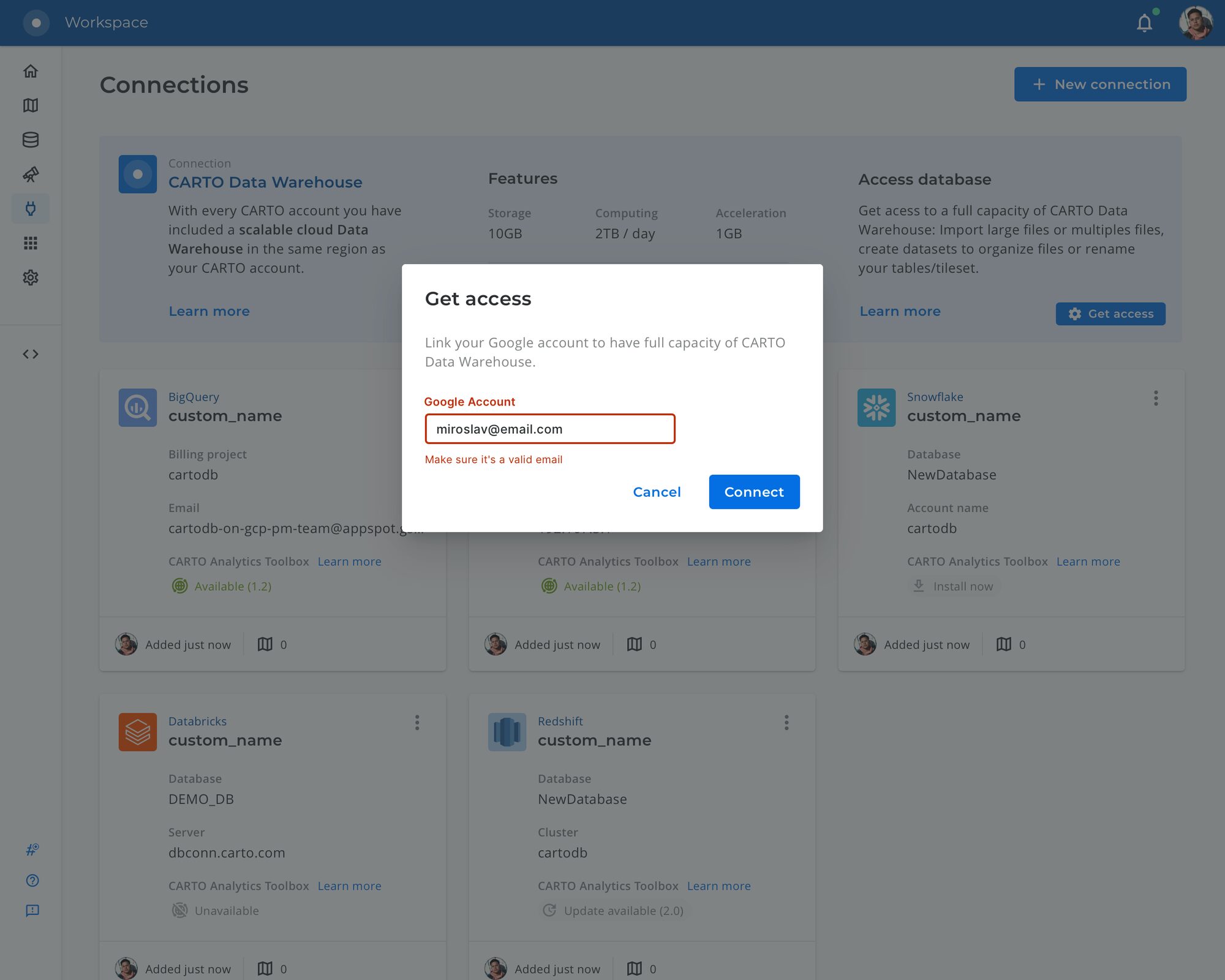
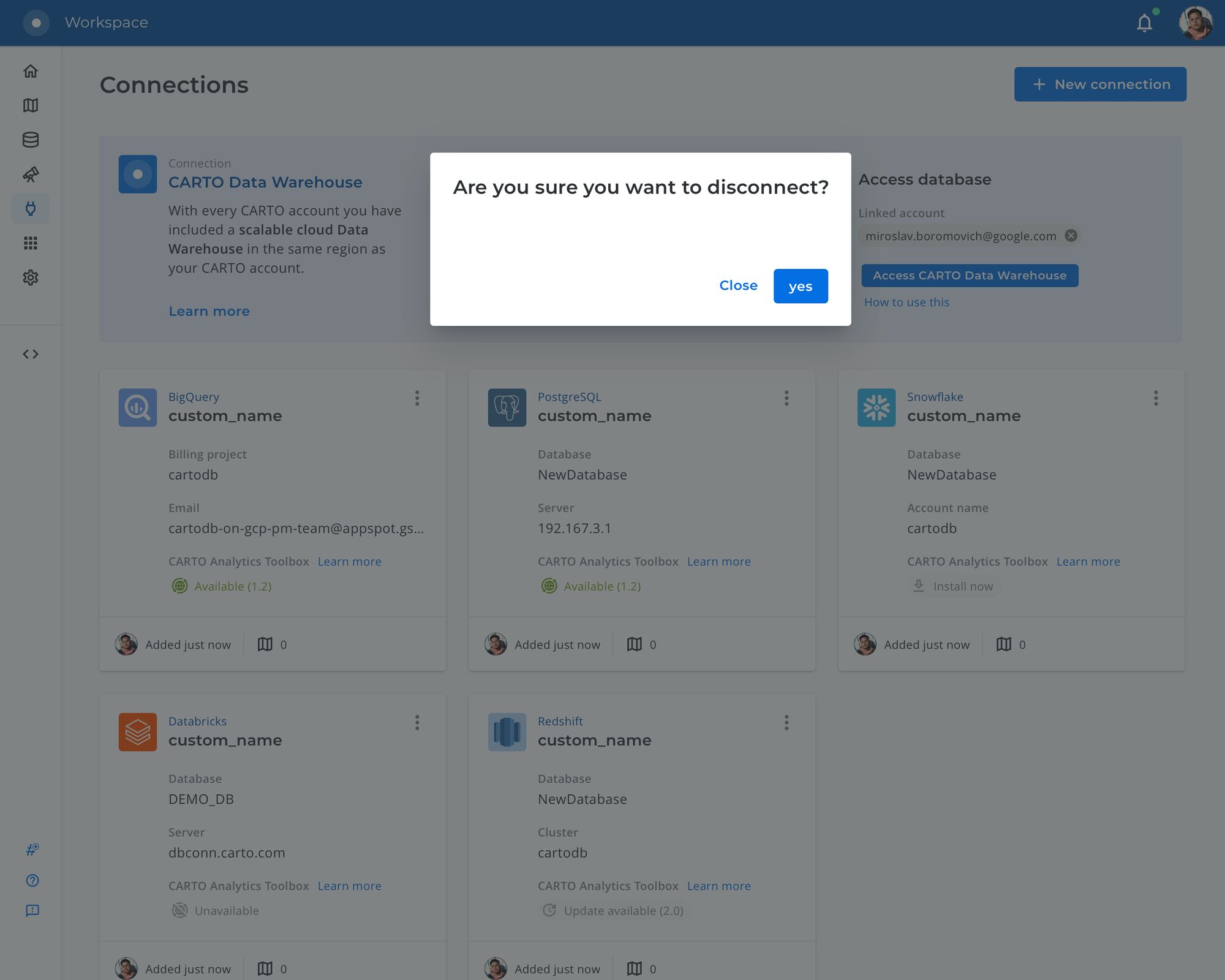
Direct access to the CARTO Data Warehouse
Customers needed to reach their CARTO-hosted BigQuery data from their own tools. I designed the flow to grant, verify and revoke access from the Connections screen, including the edge cases — a wrong account, a disconnection — that usually get left out.
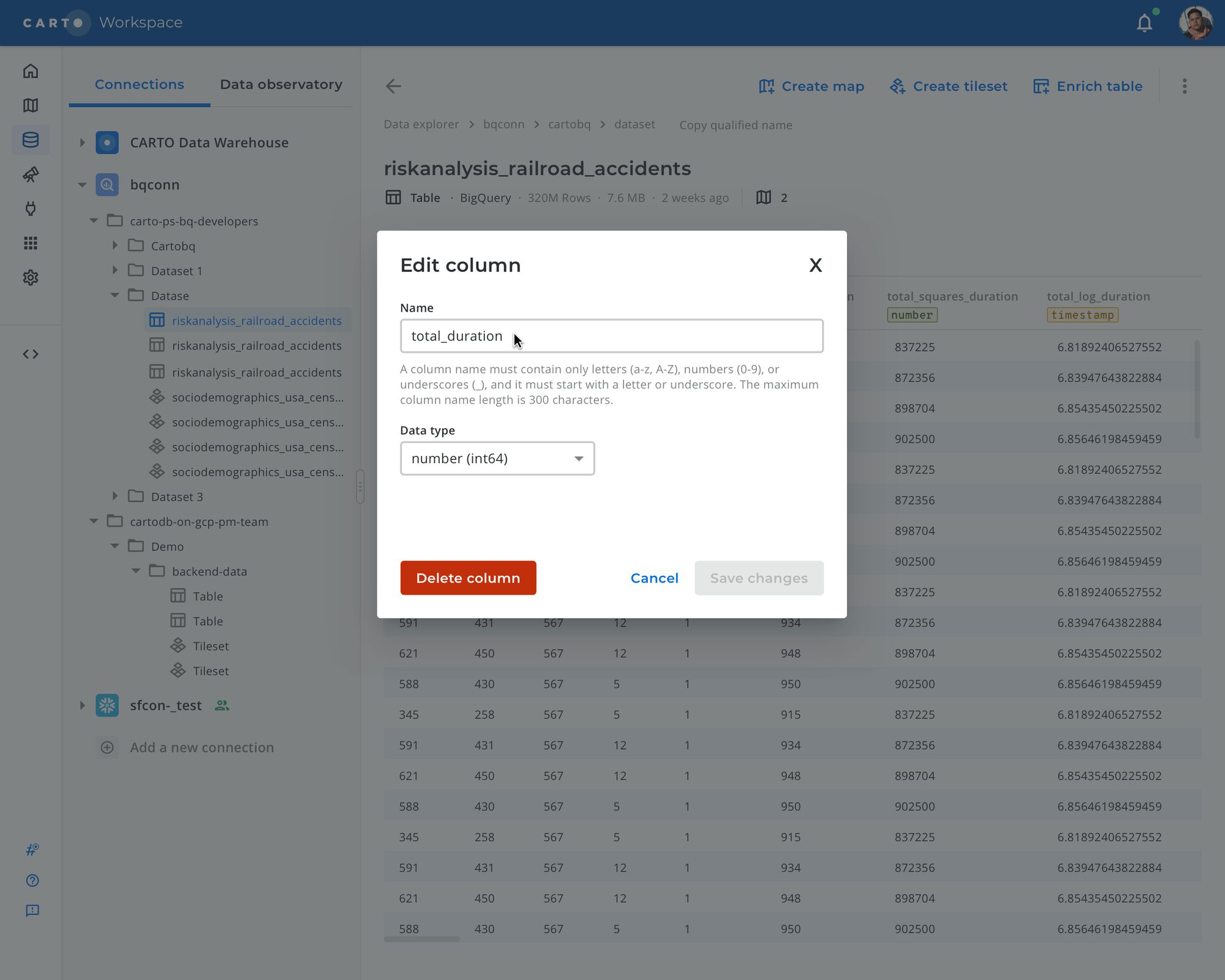
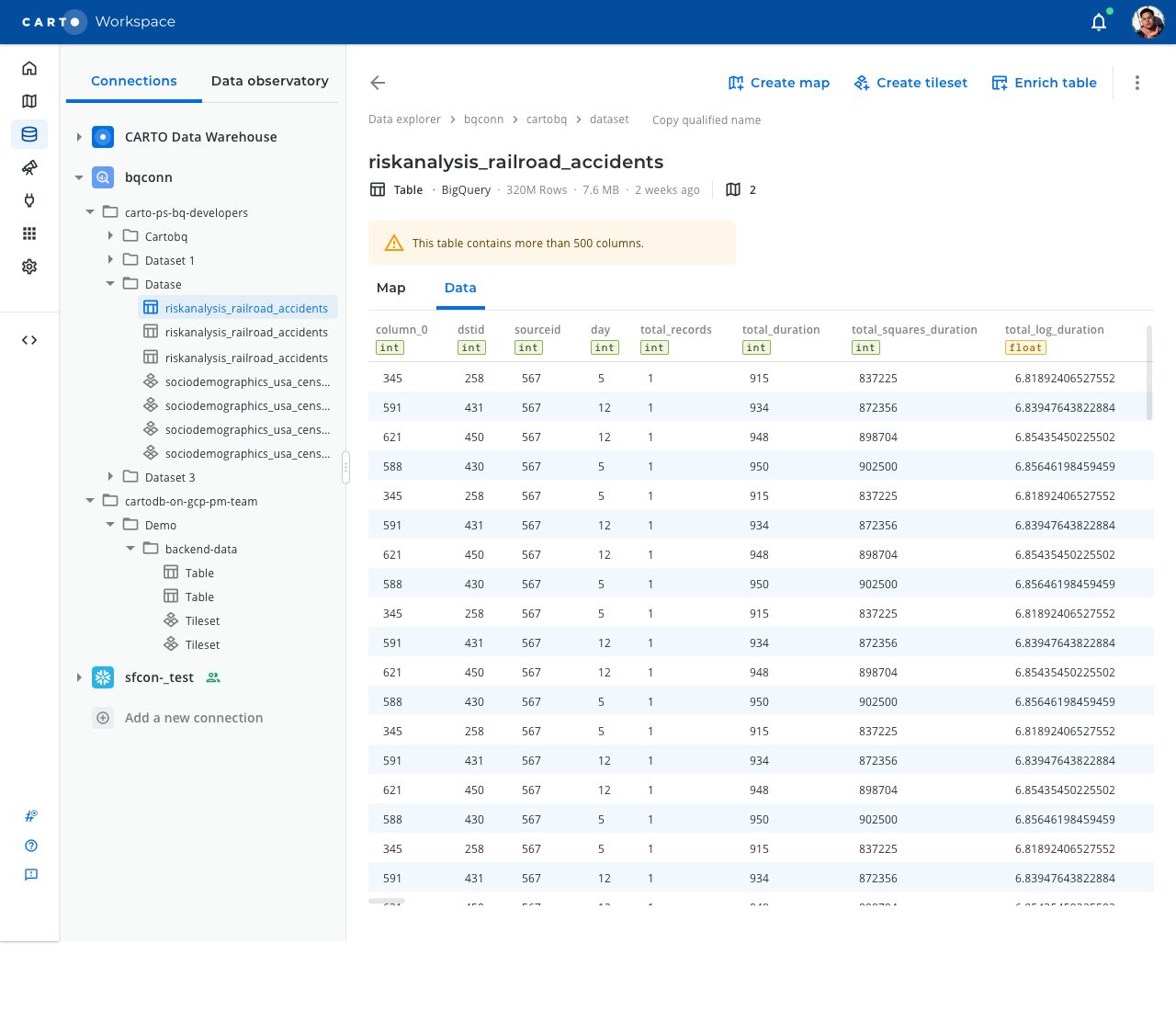
Basic data management in the Data Explorer
Analysts needed to rename columns, change data types and delete fields without leaving the platform. We tested the table with 300 and 600 columns to make sure the interaction held at real scale, not just in a tidy mock-up.